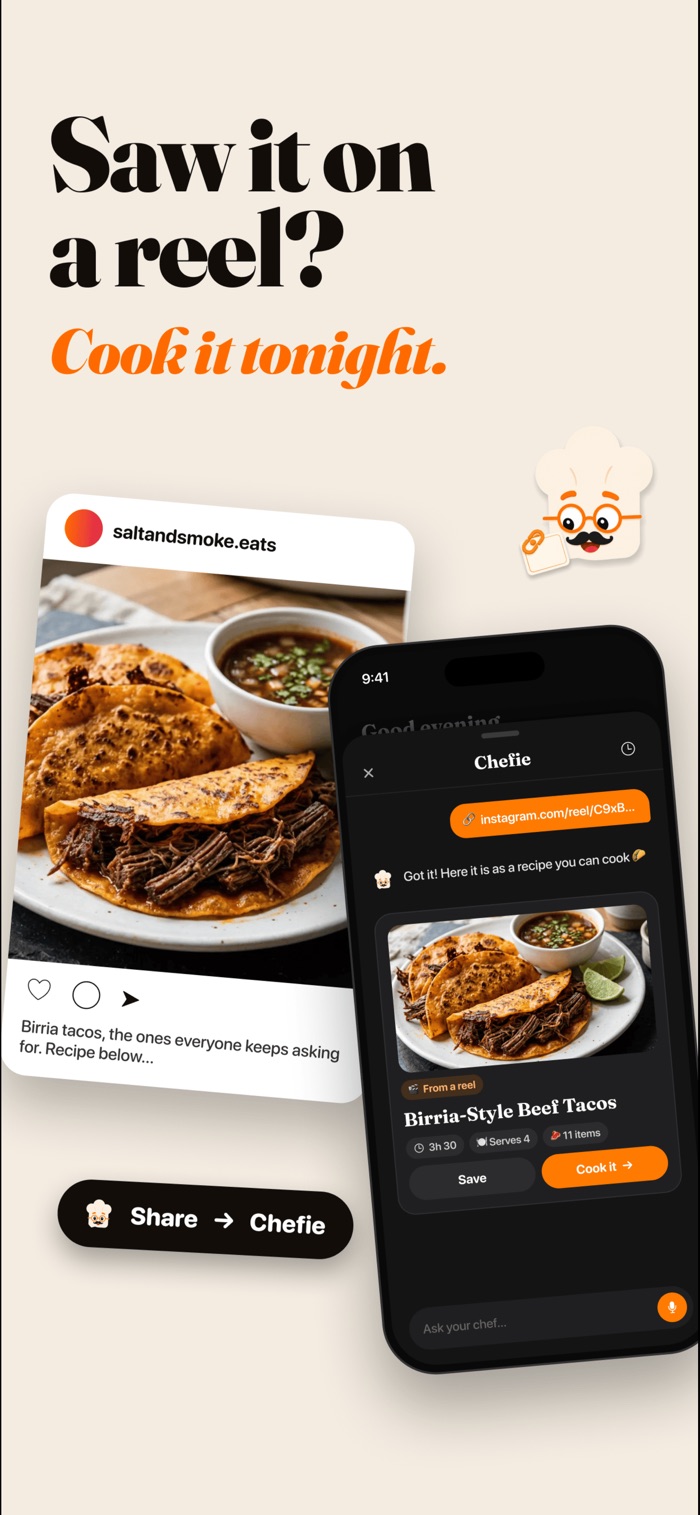
How it works.
- Find the reel. On Instagram, tap the share button on the reel or post.
- Share it to Chefie. Pick Chefie AI from the share sheet. Or copy the link and paste it into the Chefie chat.
- Chefie reads the recipe. It uses the post's caption to work out the ingredients, amounts and steps.
- Save it and cook. The recipe is saved to your recipes, adjusted for your allergies and diet, and ready for cook mode. Add the ingredients to your shopping list, grouped by aisle.
Recipe links from websites work the same way: paste the link into the chat.
What works, and what doesn't.
Chefie can only use what is actually in the post or on the page. Here is what to expect:
Works well: the recipe is in the caption
Lots of creators write the ingredients and method in the caption. Chefie turns that into a full recipe you can cook.
Works well: a link to a recipe page
Paste the link to a recipe web page and Chefie pulls the ingredients and steps from the page.
May not work: "recipe in bio"
If the caption says "recipe in bio" or "link in bio", the recipe isn't in the post itself, so Chefie may not be able to find it. Open the creator's profile, follow their link and paste that page into Chefie instead.
May not work: the recipe is only in the video
If the ingredients are only spoken or shown on screen and not written anywhere, Chefie may not get the whole recipe. You can describe the dish in the chat and ask Chefie for a recipe like it.
Saved it?
Now cook it.
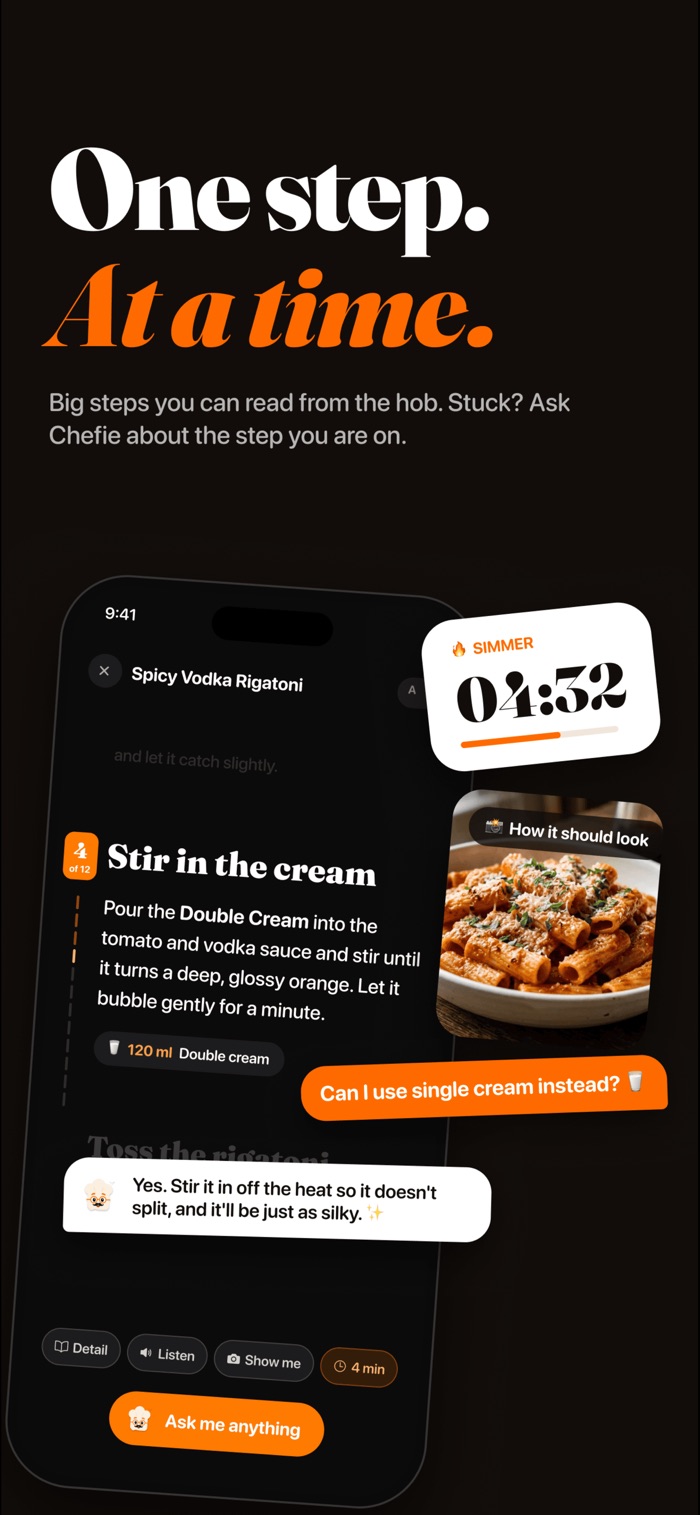
Imported recipes open in cook mode like any other: one step at a time, with timers, read-aloud and pictures of how each step should look.
- Timers built into the steps
- Read aloud, hands-free
- Ask about the step you're on
Tips for importing.
- Check the amounts. Captions sometimes skip quantities, like "a splash of soy". Have a quick look before you shop.
- Make it yours. Once it's saved you can change anything, like making it lighter or swapping an ingredient you don't have.
- Recipe in bio? Follow the creator's link and paste that page instead of the reel.
- Mind your allergies. Chefie adjusts imported recipes for your allergies and diet, but AI can make mistakes, so always check labels.
- Keep the good ones together. Imported recipes sit with the rest of your recipes, so they don't get lost in your saved posts.
Why import at all?
A reel is great for deciding what to cook and hard to cook from. You end up pausing the video with oily fingers, scrolling back for the amounts and guessing the oven temperature. A written recipe in cook mode gives you one step at a time, timers that keep running and a shopping list you can take to the shop.
Looking for something new instead? Browse recipes.
Good questions.
Which reels can Chefie import?
Reels and posts where the recipe is written in the caption work best. If the caption says "recipe in bio", Chefie may not be able to find it, so paste the creator's recipe link instead.
Can I import from a recipe website?
Yes. Paste the link into the chat and Chefie turns the page into a recipe you can cook.
Does Chefie change the recipe?
Chefie keeps the recipe and adjusts it for your allergies and diet where needed. You can change anything else yourself once it's saved.
Is it on Android?
Not yet. Chefie is on iPhone today. Join the Android waitlist and we'll email you when it's on Android.

From your feed
to your plate.
7 days free on the annual plan, for new subscribers.